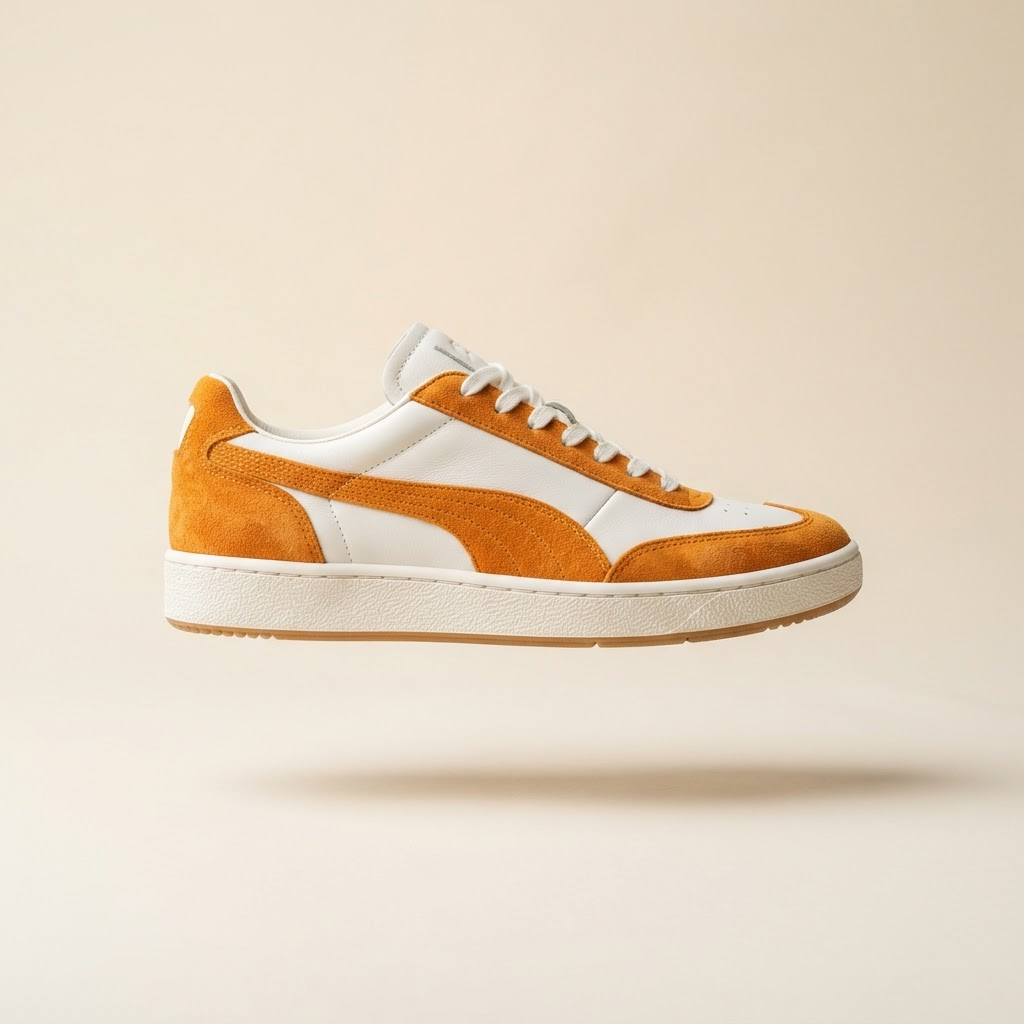
Quick
Quick setup
Upload references and run your first generation in minutes — no studio booking required.
Upload reference photos. Prodshot generates hero, lifestyle, detail, and on-model shots for your store and marketplaces — without booking a studio.

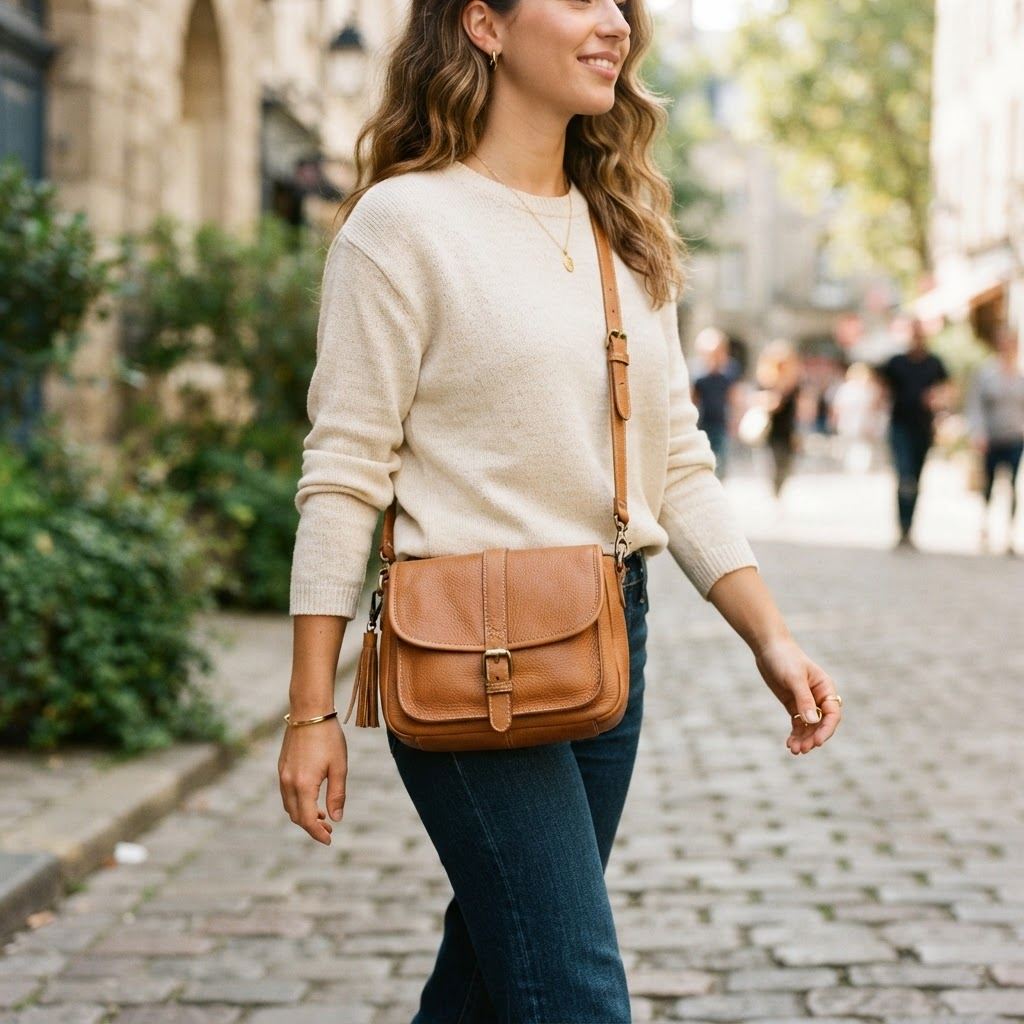
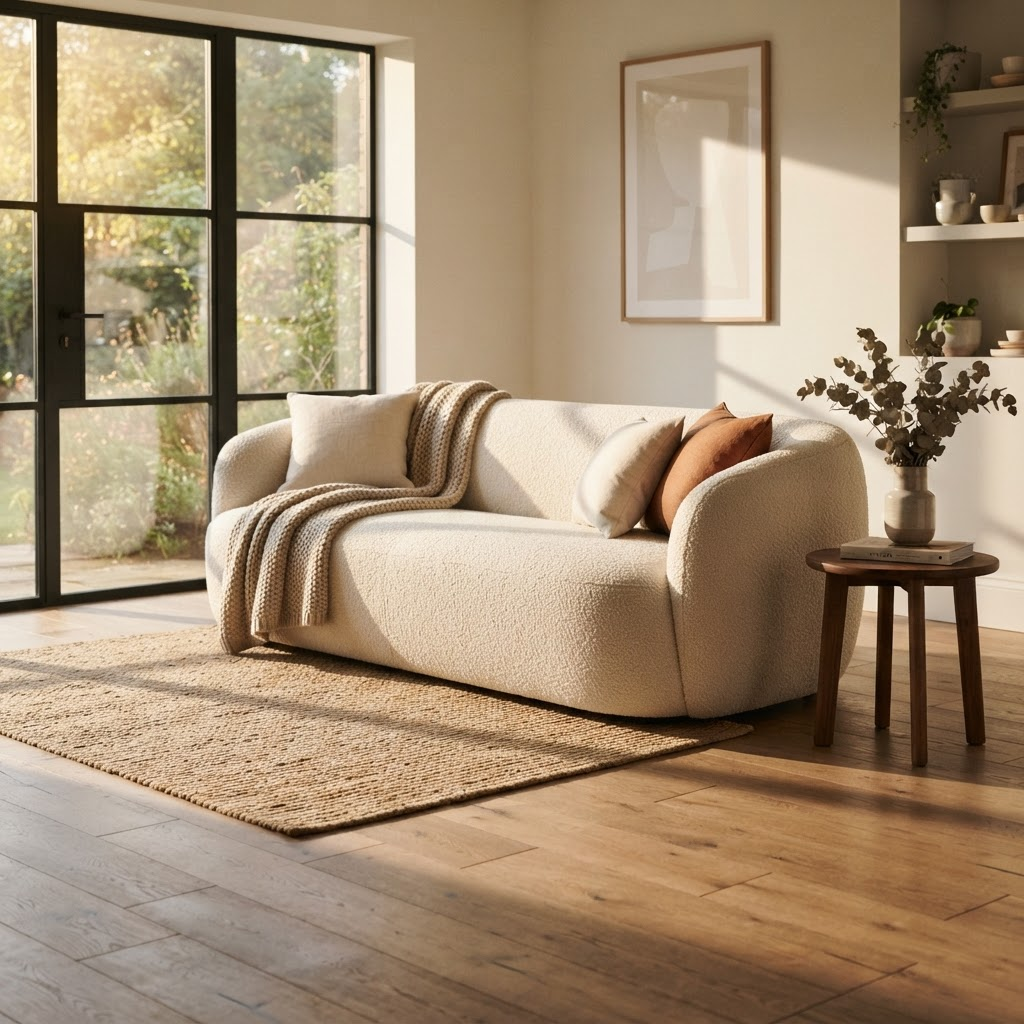
Extracts shape, materials, and details from your photos
Category-aware hero, detail, lifestyle, and on-model plans
Consistent sets across styles and aspect ratios
Every image checked before export
Bring references, generation, and export together — so your team acts faster with consistent, listing-ready assets.
Traditional shoots are slow, expensive, and hard to repeat when SKUs change. Upload references once and generate hero, detail, lifestyle, and ad crops from the same product.
Explore workflow →Generic AI ignores structure — wrong proportions, altered logos, invented details. Prodshot uses spec extraction, anchor approval, and automated QA to keep identity intact.
Explore workflow →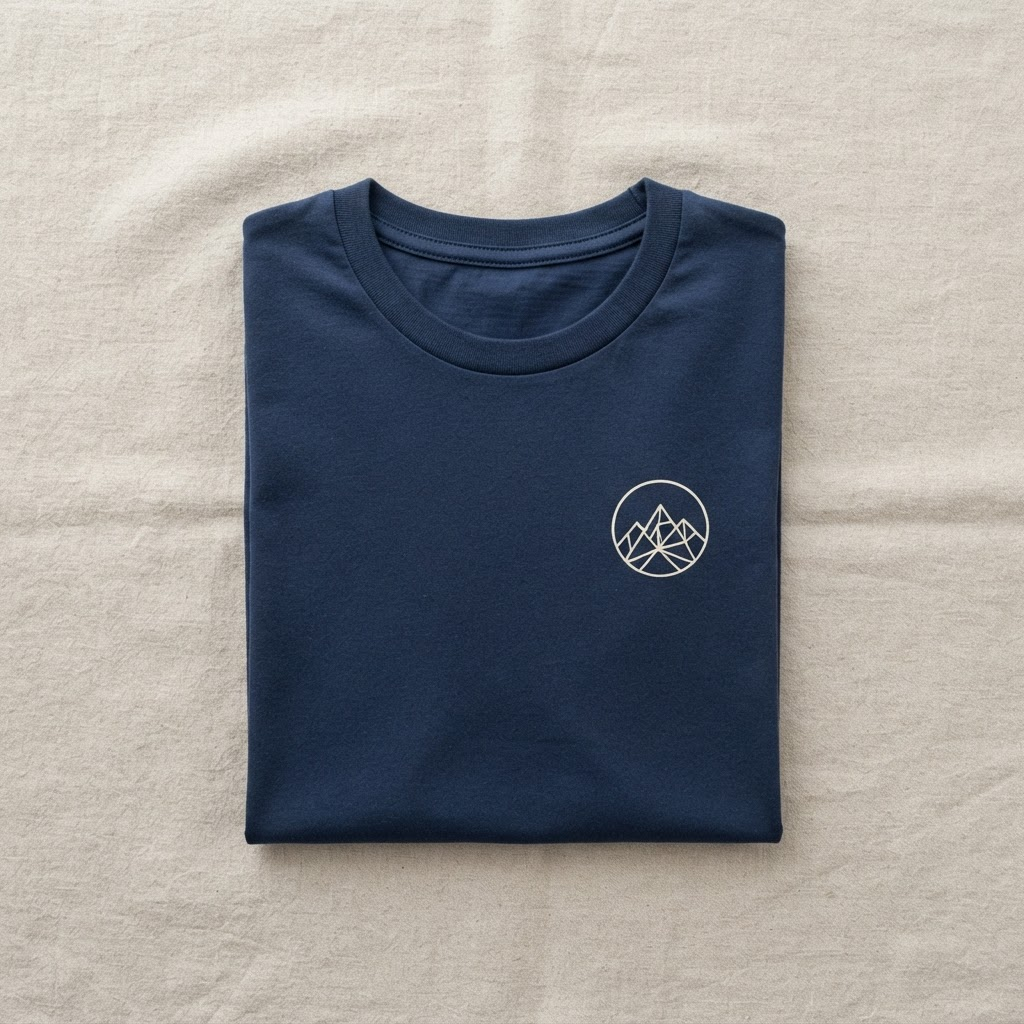
Amazon, Shopify, and multi-channel listings need multiple formats and shot types — not one lucky render. Category-smart plans cover hero, detail, lifestyle, on-model, and more.
Explore workflow →Built for e-commerce teams — from reference upload to listing-ready export in one workflow.
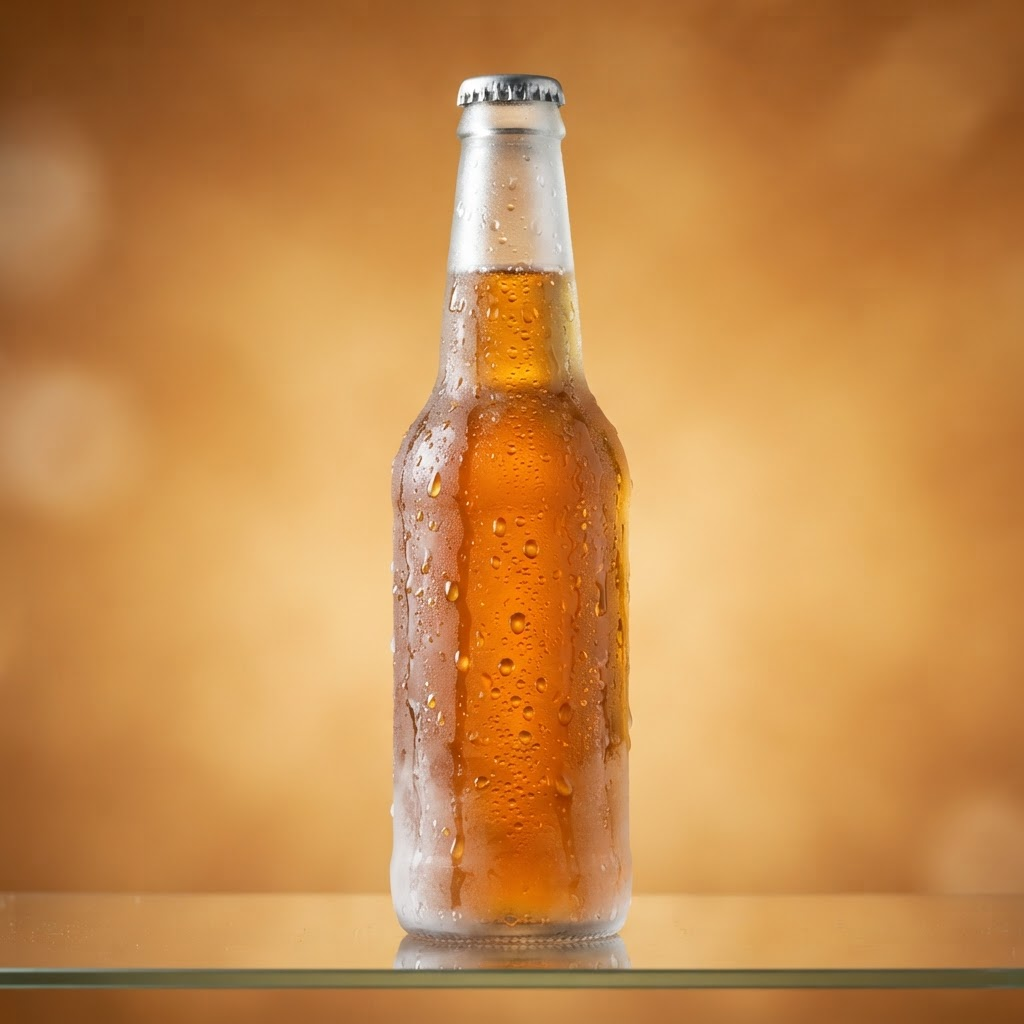
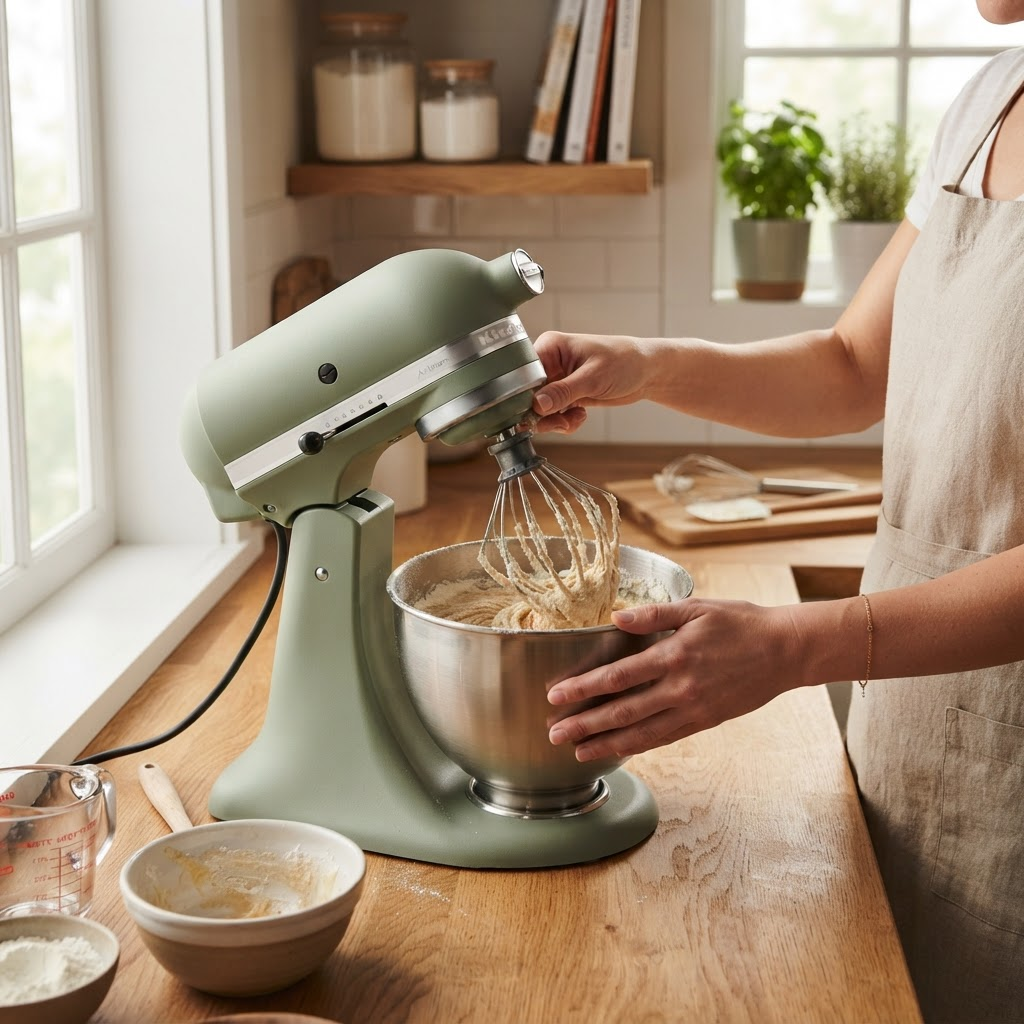
Built to support catalog workflows with accuracy, control, and transparency across every generation.
Vision models extract category, materials, silhouette, and distinctive details from your references.
Hero, detail, lifestyle, scale, on-model, and surface — planned per product category.
Studio, surface, in-place, editorial, and campaign mixes — or blend styles across a set.
Square, portrait, and landscape outputs for marketplaces, social ads, and storefront banners.
A consistency anchor locks identity; batch scenes keep color, geometry, and details aligned.
Every image is checked for fidelity and defects. Failed scenes retry with targeted corrections.
Configure shot types, styles, and formats — from a single SKU to full seasonal drops.
Upload references and run your first generation in minutes — no studio booking required.
Hero, detail, lifestyle, on-model, and surface — planned automatically for your product type.
Anchor approval and automated QA ensure every image meets fidelity standards before export.
Trusted by e-commerce brands for reliable output, consistent workflows, and scalable catalog production.
Launch SKUs faster with a full PDP set — hero, details, lifestyle, and ad formats — without reshooting every colorway.
Amazon, Etsy, and multi-channel listings need consistent heroes plus contextual shots. Generate both from the same references.
Replace repetitive studio days for catalog refreshes. Keep senior creatives on art direction; let Prodshot handle volume.
Produce draft sets for client review before committing to a physical shoot — or deliver AI-assisted catalogs for mid-market clients.
Ghost mannequin, flat lay, and on-model options with print fidelity locks — when the graphic must match the source file exactly.
In-place and lifestyle scenes that show products in believable rooms — without location shoots for every new collection.
See how Prodshot compares to traditional shoots and generic AI tools.
Flexible plans designed to support individuals and teams as product imagery workflows grow in complexity.
Start with your product studio and explore the workflow.
For brands shipping new product shots every week.
Collaborate across teams with shared catalog workflows.
All plans are billed monthly. Pro and Team subscribers can purchase one-time credit packs for extra volume.
All you need to know about the platform, pricing, workflow, and team collaboration.
A Prodshot account, a product, and at least one reference photo. Free includes studio access and starter credits; Pro unlocks full AI generation.
Physical products with clear reference photos: apparel, furniture, electronics, home goods, beauty, packaged food, and accessories.
Those tools generate images from text. Prodshot is a product photography pipeline — spec extraction, shot planning, anchor locking, batch generation, and automated QA.
You approve a product spec and anchor image. QA flags altered graphics, wrong colors, and duplicate products. Apparel with prints gets additional fidelity checks.
1:1, 4:3, 3:4, and 16:9 — for marketplaces, social, and web banners from one run configuration.
You generate and approve one anchor image first. It becomes the visual contract for the rest of the batch — reducing drift across scenes.
Credits pay for AI steps: spec extraction, planning, generation, and QA. Pro includes monthly credits; additional packs are available.
Yes. Organizations support multiple members, roles, and invitations on Pro (up to 10 seats).
Start building smarter catalog workflows — upload references, generate sets, and export listing-ready assets.